Tutorials · Intro · 1:35
Spawnly in 90 seconds: from a screenshot to an Etsy listing
Watch on YouTube · the whole course
In this video
A listing is a lot more than a design. You need the files, the photos, a title and tags that match what buyers type, and a description, before you can even upload it. Spawnly does all of it, from one screenshot of a style you like.
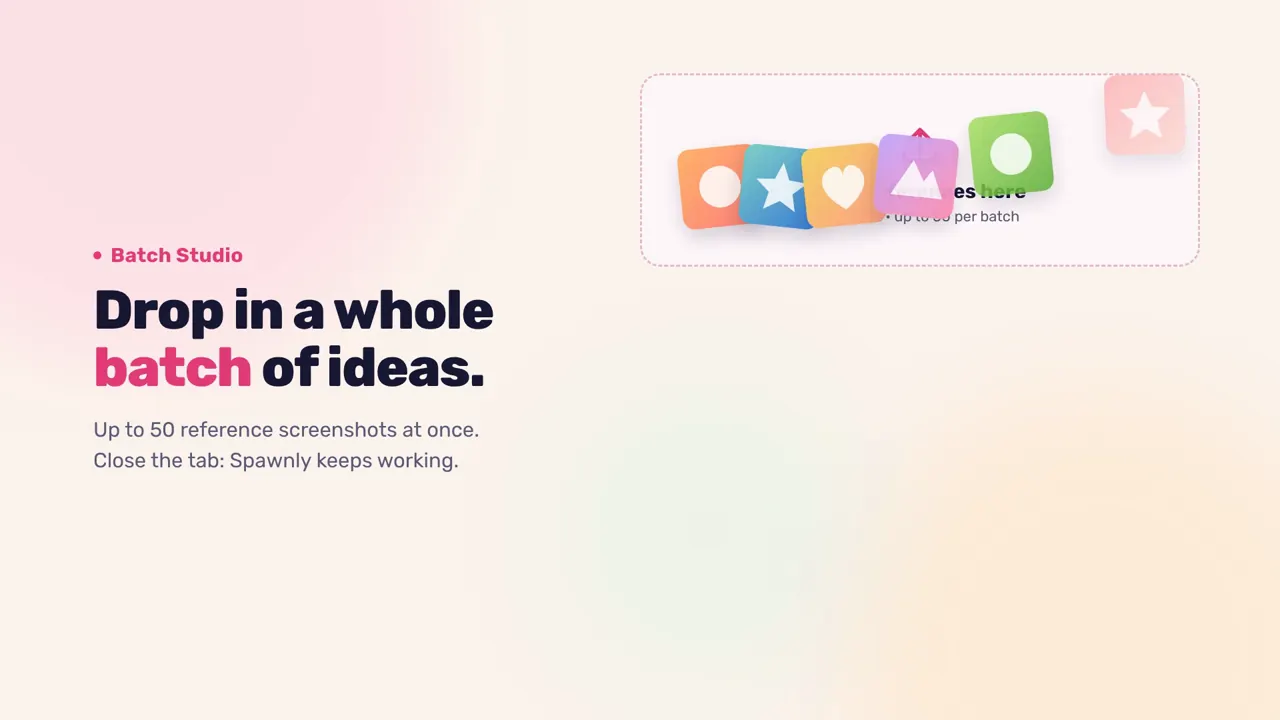
Start from reference screenshots
Drop in up to fifty reference images at once, from your computer or your phone. You can close the tab: Spawnly keeps working. Each reference becomes a brand new, original SVG design, not a copy, drawn as one color so it works for print on demand, vinyl and laser alike.
Touch up and recolor
Paint over a detail to remove it, regenerate a design you don't like, or change the ink color in one click. When it looks right, Spawnly builds every file your buyers need, SVG, PNG, DXF and EPS, and zips them for the listing.
The listing is written and photographed for you
Your design is placed on your own black and white mockups, with your watermark. Spawnly writes the title, all thirteen tags and the description for Etsy search, and adds your shop's own description below.
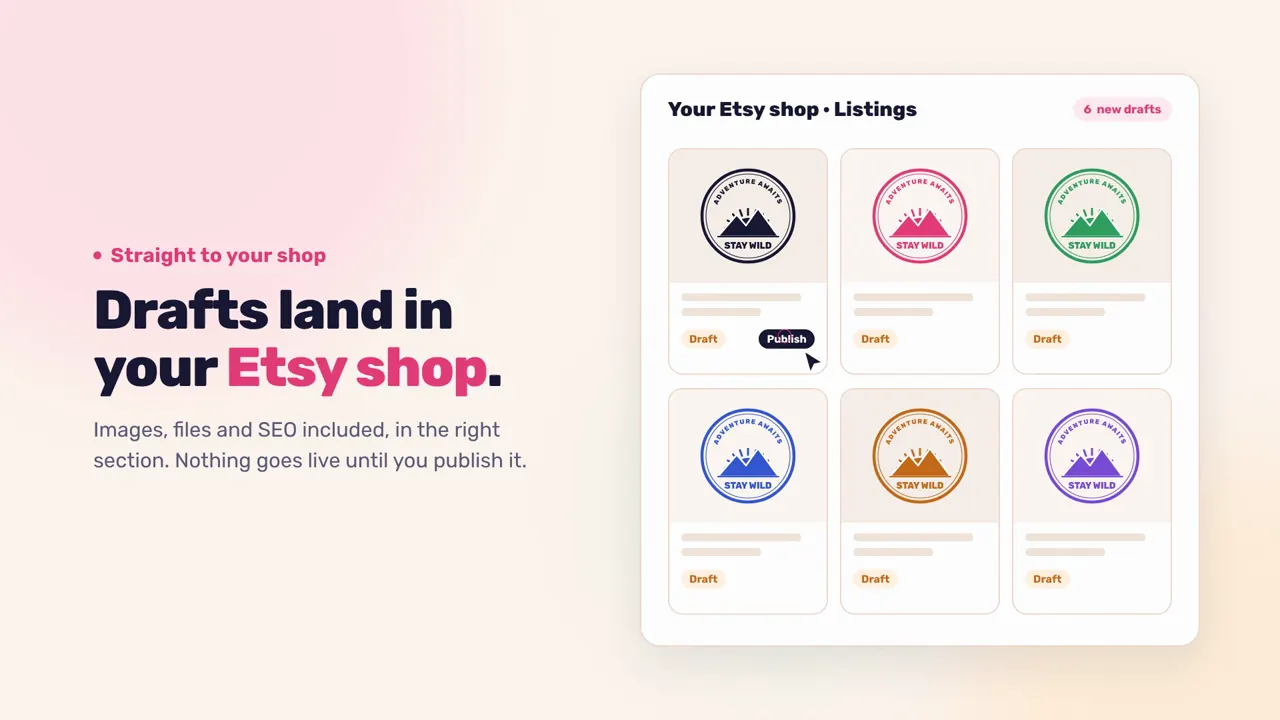
Drafts, not surprises
Each listing lands in your Etsy shop as a draft, in the right section. Nothing goes live until you publish it. On the Pro plan you can add a short promo video and a bonus PDF to every listing, and shop analytics show your revenue, your profit after Etsy fees and your top keywords.
The rest of this course shows each step in detail, starting with connecting your Etsy shop.