Tutorials · Part 1 · 0:54
How to connect your Etsy shop to Spawnly
Watch on YouTube · the whole course
In this video
Spawnly publishes your designs to your shop as drafts, so the first thing it needs is a link to your Etsy shop. It takes less than a minute.
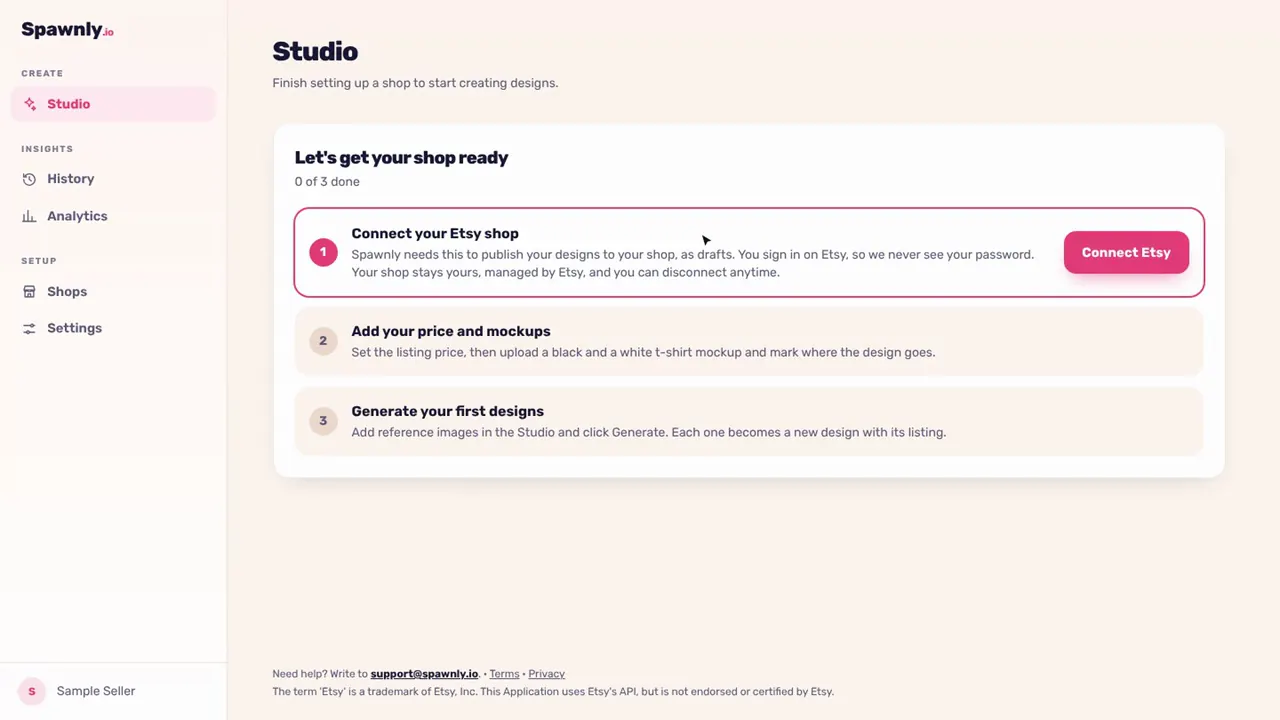
1. Open the Studio
When you first sign in, the Studio shows three steps: connect your Etsy shop, add your price and mockups, and generate your first designs. Step one is the connection.
2. Click Connect Etsy
Etsy's own page opens. You sign in on Etsy itself, so Spawnly never sees your Etsy password. Etsy then asks you to approve the access: click Allow access.
3. Back in Spawnly, your shop is connected
You are sent straight back to Spawnly, and your shop's name shows on the Shops page.
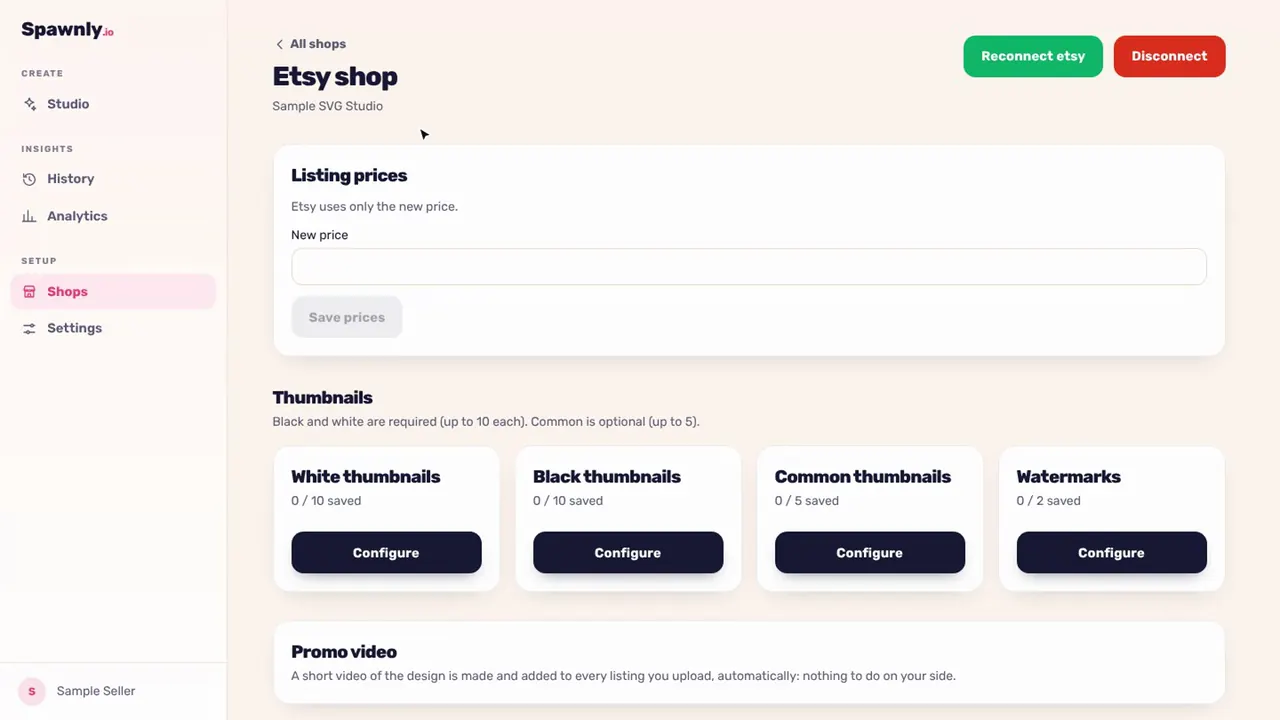
Your shop stays yours
Your shop is still managed by Etsy. Designs arrive as drafts, nothing goes live until you publish it, and you can disconnect at any time from the same page.
Next: set your price, mockups and watermarks.