Tutorials
Sell SVG files on Etsy with AI: the free course
Seven short videos, each with a written guide: from connecting your Etsy shop to finding the niches that sell. Watch them in order, or jump to the step you need. The whole course is also a playlist on YouTube.
 1:35
Intro
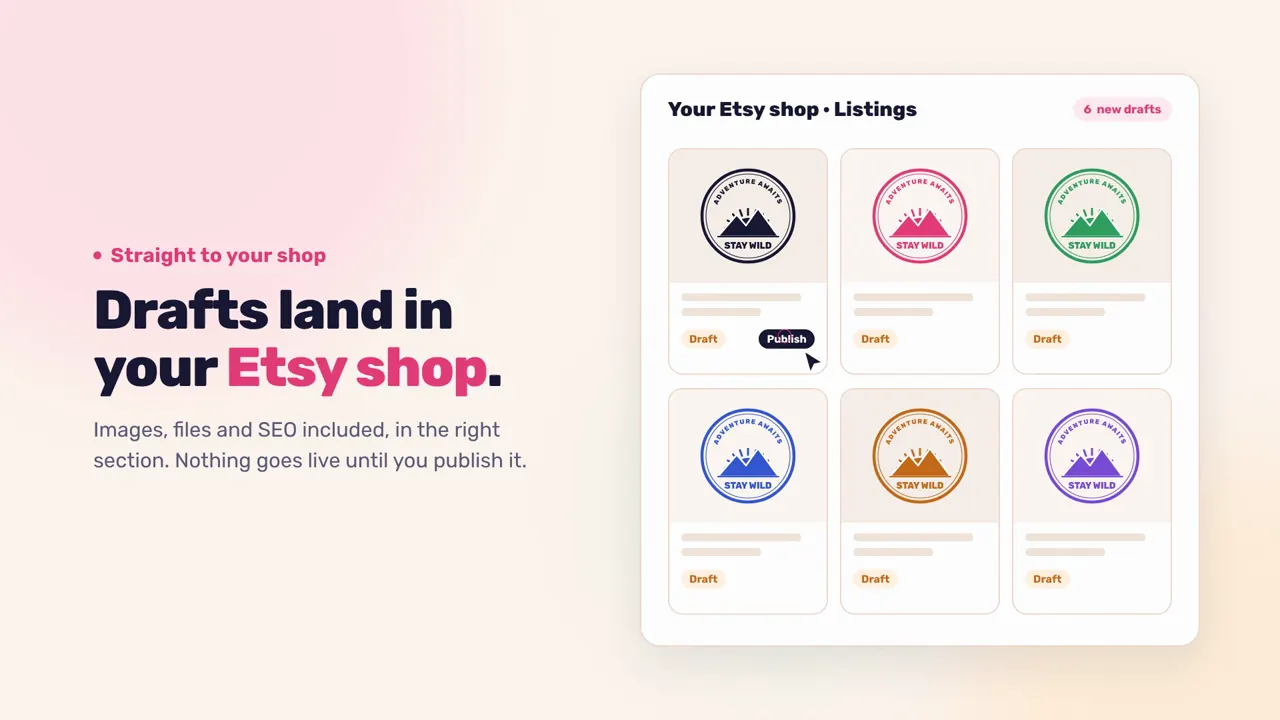
Spawnly in 90 seconds: from a screenshot to an Etsy listing
The whole tool in a minute and a half: what goes in, what comes out, and where it lands.
 0:54
Part 1
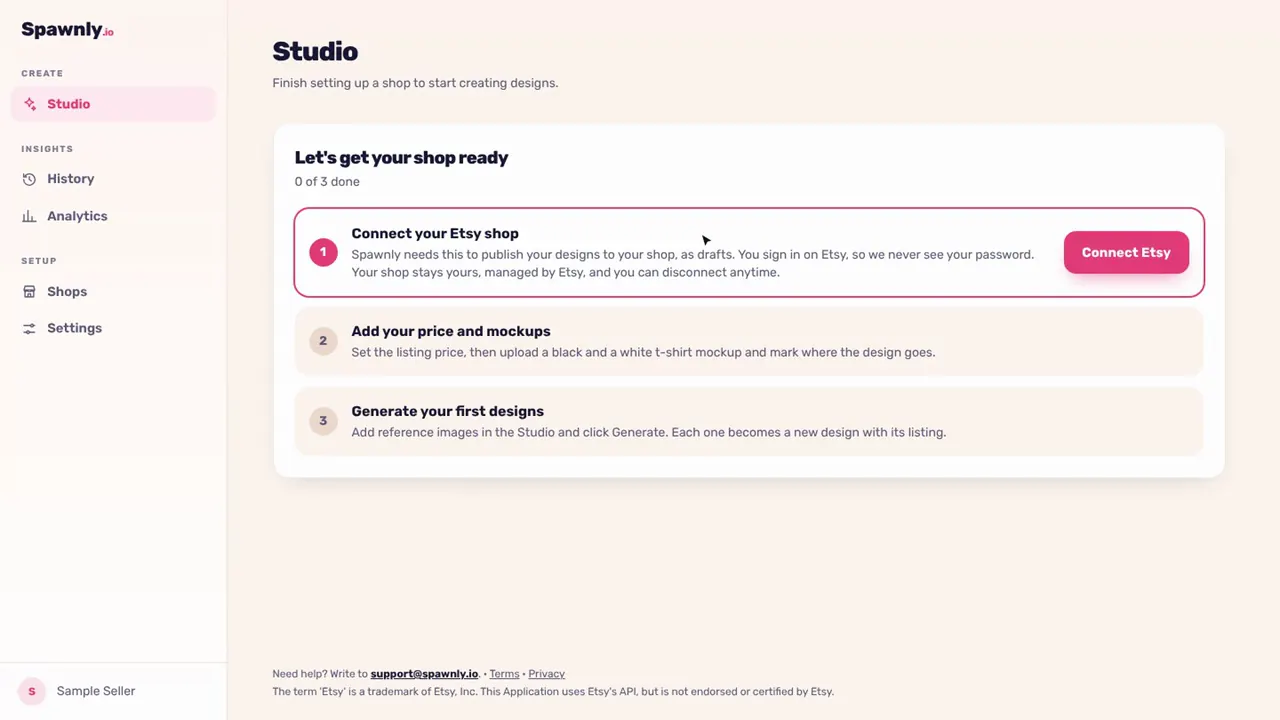
How to connect your Etsy shop to Spawnly
Link your Etsy shop in under a minute, safely, through Etsy's own sign-in.
 1:35
Part 2
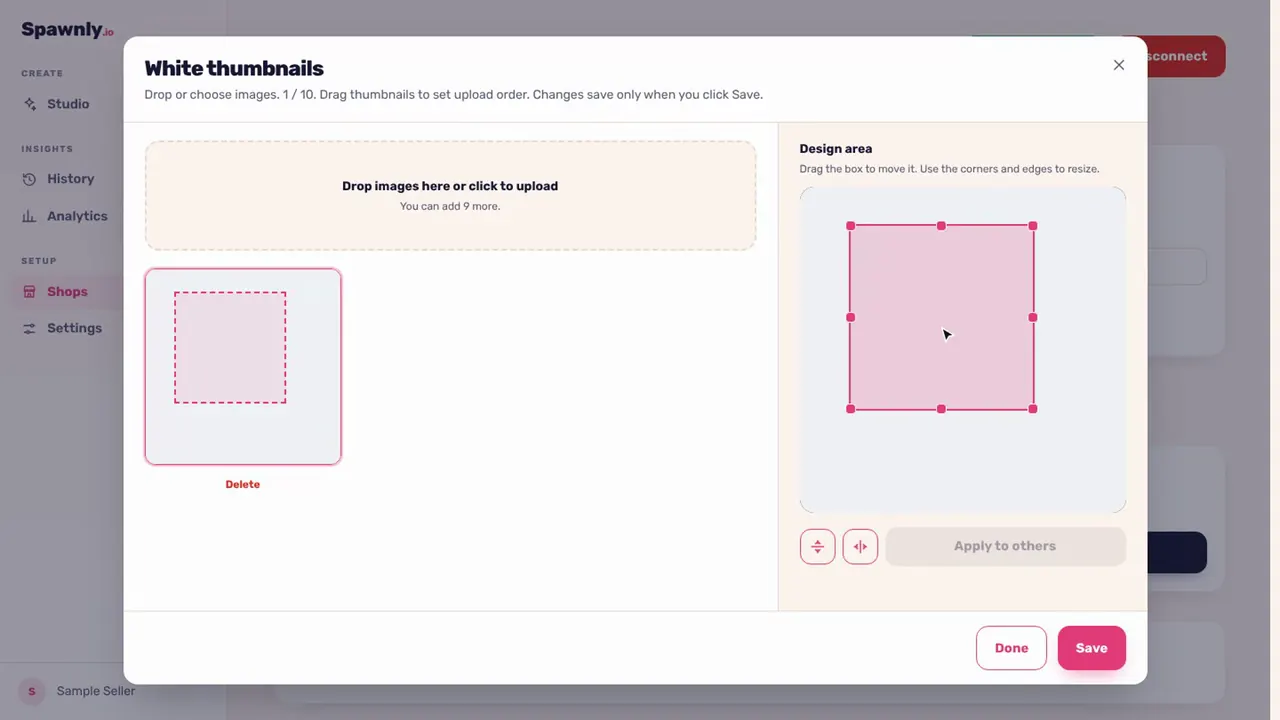
Set up your shop: price, mockups, watermarks and description
Your price, your mockups and a few extras, set once and used by every listing.
 2:10
Part 3
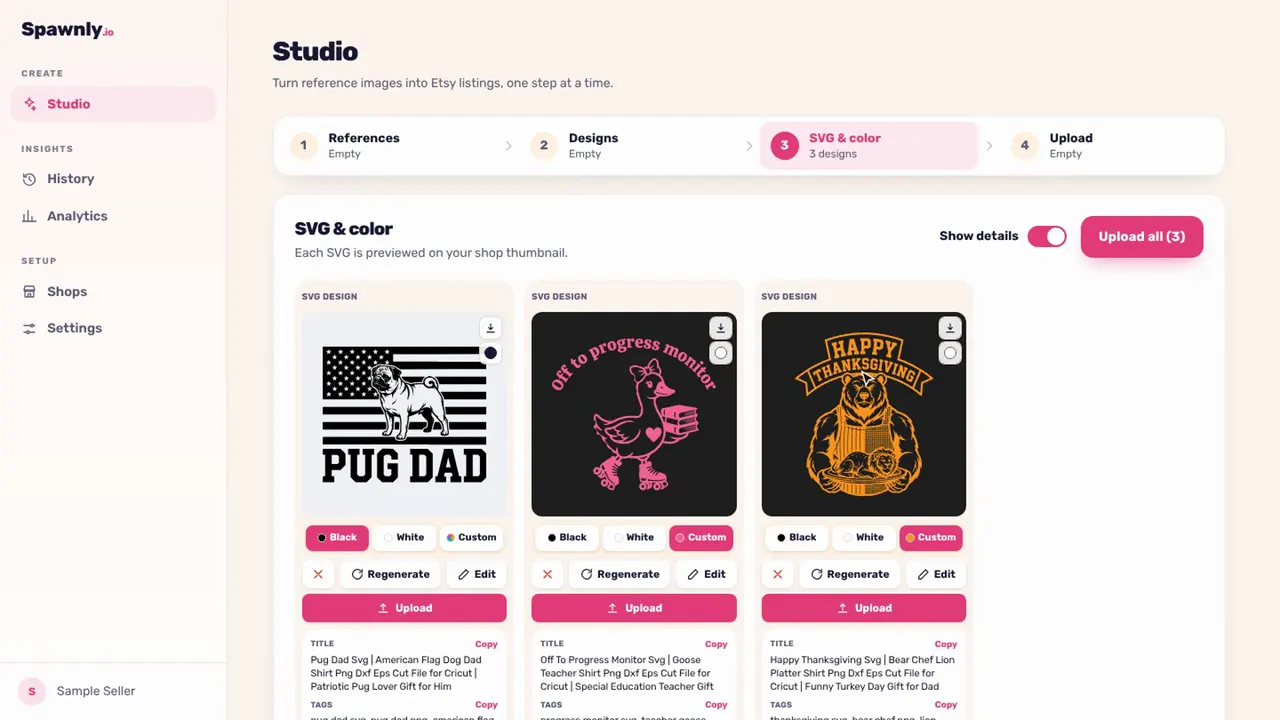
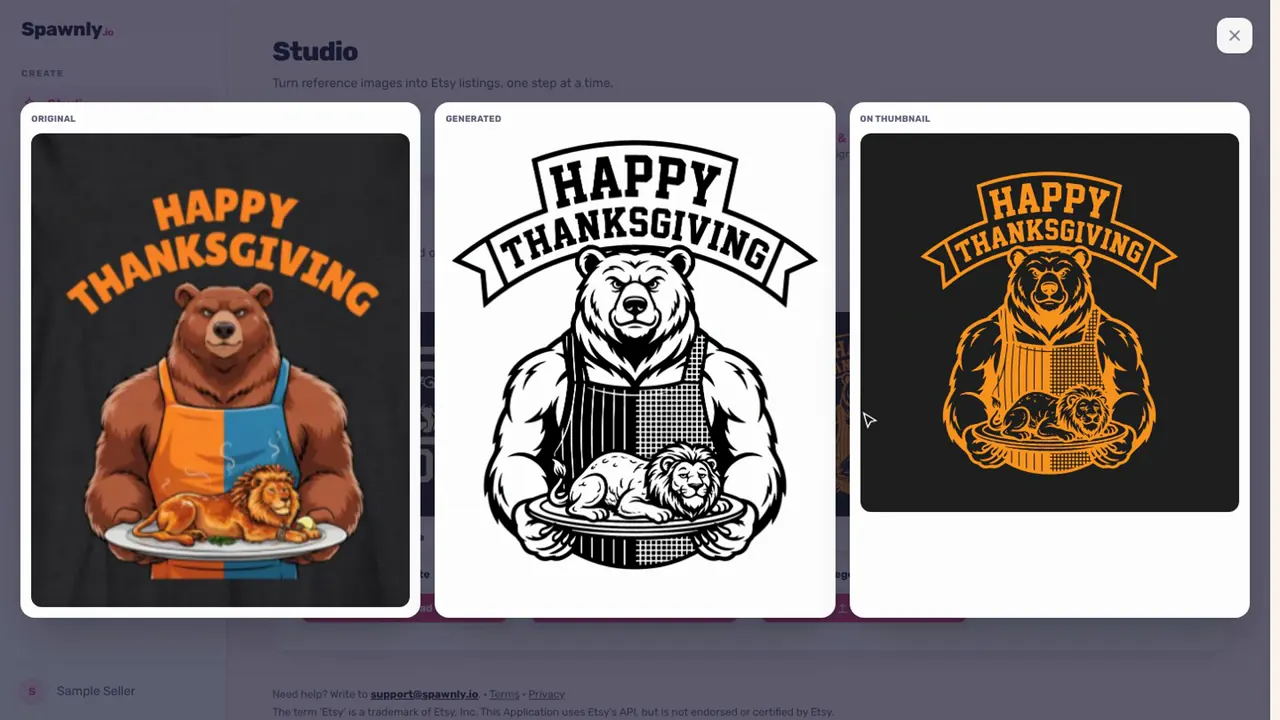
How to make SVG designs with AI and upload them to Etsy
From a few screenshots to finished Etsy drafts, with every file and the SEO written for you.
 1:38
Part 4
Why one-color SVG designs sell on Etsy
Every Spawnly design is one color. Here is why that is an advantage, with real listings.
 1:07
Part 5
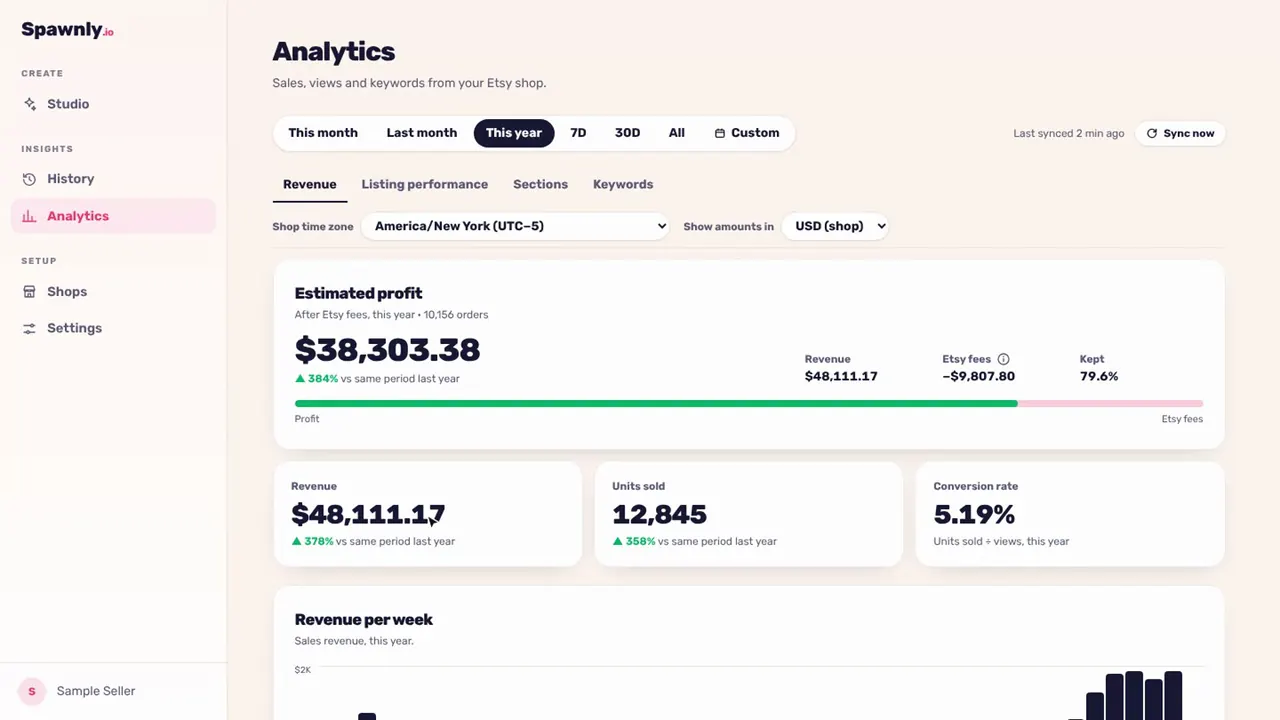
Etsy shop analytics: see your best sellers, profit and keywords
Profit after fees, best listings, best niches and best keywords, synced from Etsy.
 2:51
Part 6
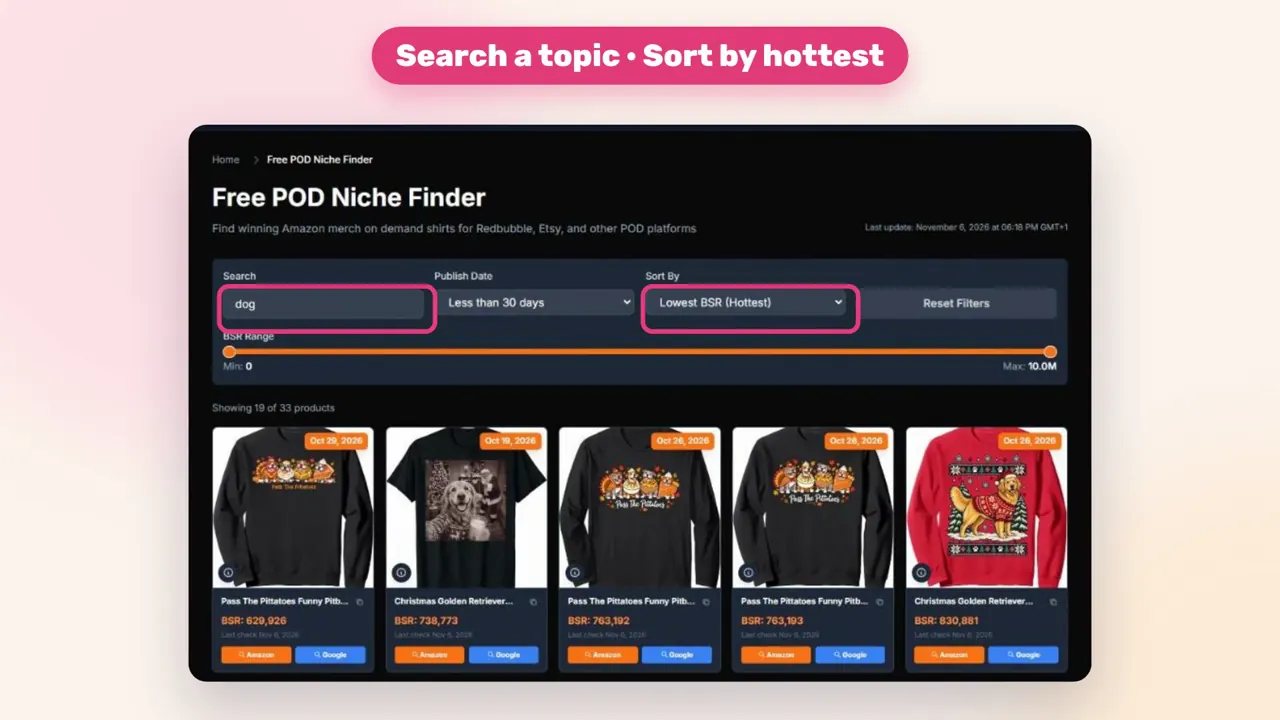
How to find Etsy niches that sell: 4 free research methods
Four free places to find themes that already sell, and how to turn them into your own designs.
New to selling cut files? Start with how to sell SVG files on Etsy.